
Gaming and livestreams
Clutch plays, fails and reactions pulled out of hours of stream.
AI CLIPPING FOR STREAMS, GAMEPLAY AND PODCASTS
Paste a YouTube or Twitch link, or upload a file. ClipTorque finds the moments, reframes them for vertical, adds captions, and hands you clips ready to download.
Use videos you own or have permission to clip.
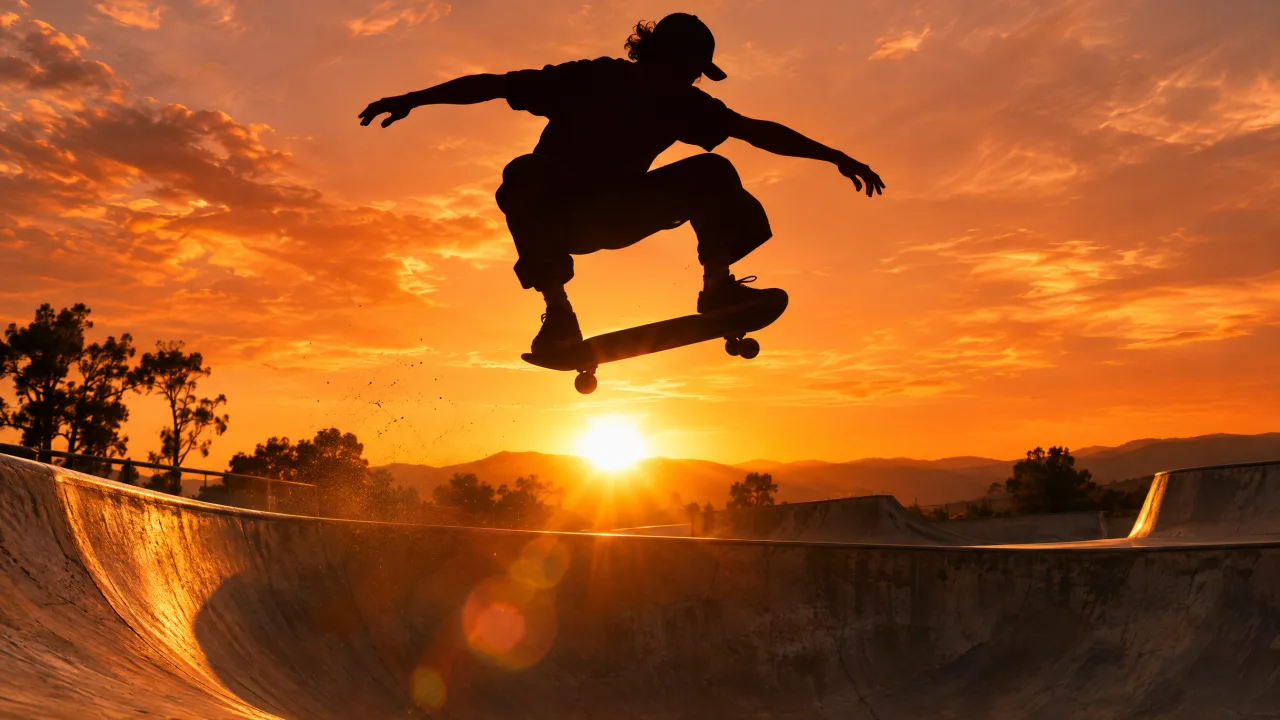
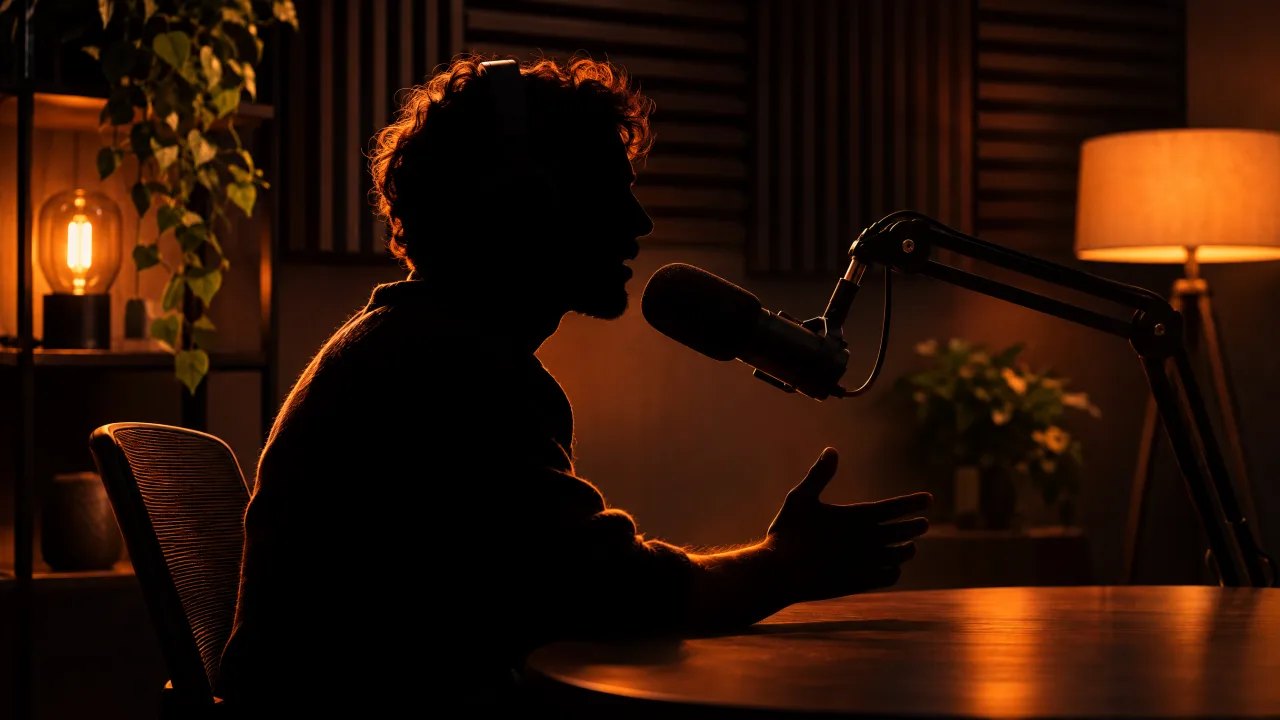
Illustration made with AI-generated sample footage. It is not a customer video or a real result.
HOW IT WORKS
Paste a YouTube video, Twitch VOD or Twitch clip link, or upload an MP4, MOV, WebM or MKV. Up to 60 minutes per video.
It samples frames across the whole video, listens for spikes in the audio and reads the speech, then picks the setups and payoffs worth keeping.
Each pick becomes a 9:16 MP4 with optional captions. Preview every clip, keep the ones you like, and post them anywhere.
WHAT YOU GET
Most clippers only follow the words. ClipTorque also looks at the picture and the sound, so it can find a clutch play in silent gameplay as easily as the best line in a podcast.
Keep the whole frame over a soft blurred backdrop, so scoreboards and HUDs stay readable. Or fill the screen with a centre crop. You choose for each project.
Speech is transcribed with word timing and burned into the clip in a clean, readable style. Music and silent footage are left alone, so you never get captions made of noise.
Pick 30, 60 or 90 second clips and how many you want, up to five per video. If nothing in the video is strong enough, ClipTorque says so and gives the minutes back instead of padding the list.

USE CASES
Clutch plays, fails and reactions pulled out of hours of stream.
Complete thoughts with enough context to stand on their own.
The build-up and the payoff, with the scoreboard still in frame.
The drop, the solo, the crowd. No captions made of lyrics.
Images on this page are AI-generated illustrations, not customer videos.
PLAIN DEALING
A plan includes monthly source minutes. A 40 minute video uses 40 minutes, however many clips you make from it.
You are never billed extra without asking. Buy a top-up only when you choose to.
If a video can't be processed, or has no clear highlight, its minutes return to your balance.
Uploads and clips belong to your account. Download links expire, and you can delete a project at any time.
Plans and prices are being finalised. See plan and usage
QUESTIONS
Give it one long video. It analyses the picture, the audio and any speech, chooses up to five highlights, and renders each one as a vertical MP4 you can preview and download.
YouTube videos (including Shorts and finished live streams), Twitch VODs and Twitch clips. Playlists, channel pages and streams that are still live are not supported. Private or age-restricted videos may not import. Only use videos you own or have permission to clip.
MP4, M4V, MOV, WebM and MKV.
Up to 60 minutes per video.
Yes. When speech is detected, captions are added automatically, and you can switch them off for any project. Music is never captioned.
There is no free processing. Plans include monthly source minutes with optional top-ups, and prices are being finalised. You can explore the studio and the demo without an account.
Anyone 13 or older. If you are 13 to 17, a parent or guardian needs to know and agree before you create an account or buy anything.
They stay private to your account. Uploaded source videos are removed after 7 days and generated clips after 30 days, so download the clips you want to keep. A video imported from a link is used for processing only and is not kept in your library.

FROM FULL STREAM TO THE FEED
Turn your streams, sessions, and stories into clips worth sharing. Bring the footage. Find the moment.
Keep this tab open while your video uploads.
Private uploads. Yours to review before you share.
A stream, a session, a story.
AI looks for moments in the action.
Preview and download your clips.
A LOOK AT THE FINISH LINE
Interface demo — these are sample cards, not AI-generated videos. No upload or minutes used.
YOUR LATEST CUTS
Your uploads, works in progress, and finished clips live here.
MORE FOOTAGE. MORE POSSIBILITIES.
Monthly source-video minutes. Extra minutes only when you choose to buy them.
Sign in to see your subscription and balance.
Source minutes measure the video you upload, not the length of the clips. No automatic overage charges. Your confirmed balance updates after payment is processed.